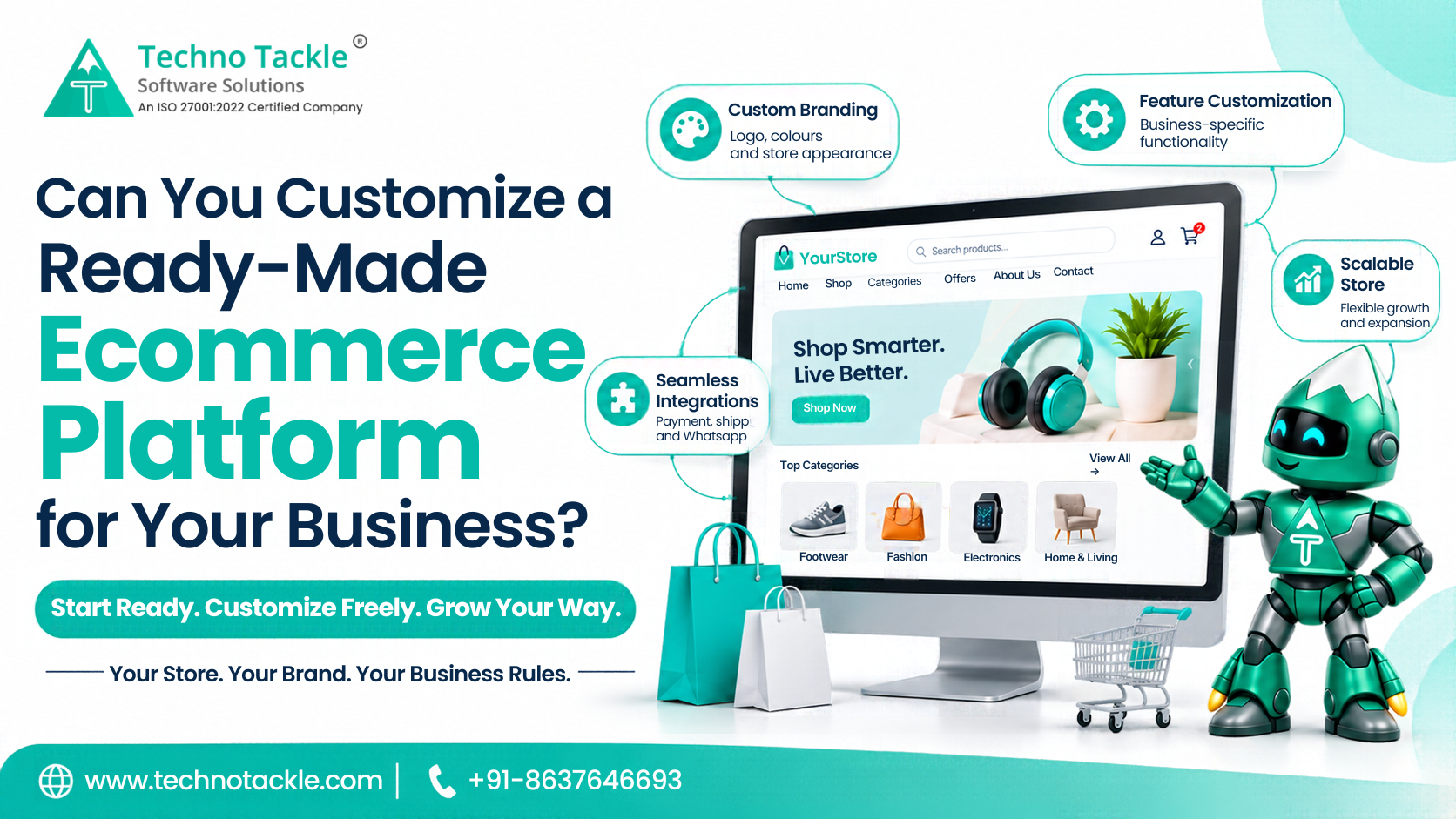
You want an online store. You want it soon. But you also want it to look and work like your brand, not like everyone else's.
So here is the question. Can a ready-made store really be changed to fit you? Or will you end up stuck with a template?
Here is the short answer. Yes, up to a point. A good ready-made ecommerce platform lets you change the look, the products, and the settings yourself. For bigger changes, you add features or pay a developer. Knowing where each level starts saves you money and surprises.
This guide explains what you can change, what costs extra, and how to pick a platform that grows with you.
What Is a Ready-Made Ecommerce Platform?
A ready-made ecommerce platform is an online store that is already built. The shop pages, the shopping cart, the checkout, and the admin area are done. You add your logo, your products, and your payment details, and you go live.
It is the opposite of a custom build. A custom store is designed and coded from scratch for you. That takes months and a bigger budget.
A ready-made store usually includes:
-
A storefront. The pages customers see: home, categories, product pages, cart, and checkout.
-
An admin panel. The private area where you manage products, stock, orders, coupons, and reports.
-
Basic connections. Payments, shipping, email, and messaging services.
-
Tax and legal settings, such as tax rates and policy pages.
The big benefit is speed. You are not building the basics again.
The Three Levels of Customization
Think of customization in three levels. Each level costs more time and money than the one before.
Level 1: Settings (you do it, usually free)
Most platforms let you change these from the admin area, with no coding:
-
Logo, favicon, and brand colours
-
Fonts and banners
-
Product names, photos, prices, and categories
-
Page content and policy pages
-
Which sections appear on the home page, and in what order
-
Coupons, shipping rules, and tax rates
For many small shops, this level is enough to look professional and unique.
Level 2: Add-ons and connections (low to medium cost)
You add extra tools to the store. Examples include:
-
A different payment provider
-
A courier or delivery partner
-
Email, SMS, or WhatsApp messages for order updates
-
Website visitor tracking and ads tracking
-
A mobile app that uses the same products and orders
These are not always free. Some charge a monthly fee. Some are one-time. Always ask who pays for each one.
If you want a mobile version, a separate mobile app development team can build an app that talks to your store.
Level 3: Custom development (higher cost)
This is when a developer changes the store itself. It is the right level when you need:
-
A new page layout or a fully custom design
-
Special steps in how customers order, such as made-to-order products
-
Connections to your own business software, like accounting or stock systems
-
Selling in other countries, with other currencies, taxes, and payment methods
-
Features no add-on offers
This is still faster and cheaper than building everything from scratch. You only pay for what is different about your business.
What Is a Customizable Ecommerce Website?
A customizable ecommerce website is a store that is ready to use, but built so it can be changed later. The key phrase is "built so it can be changed."
Some ready-made stores look flexible but are locked. You can change colours, but not much else. A truly customizable store lets you grow, from simple settings up to custom code.
Our team builds and supports this type of ecommerce development, from ready-made starts to custom features.
What You Usually Cannot Change
Be honest with yourself about limits. Most ready-made platforms have some. Check before you buy.
-
Platform rules. Hosted platforms set what you can and cannot do. You cannot change the core system.
-
Locked code. Some do not give you the source code. That means only the platform company can make deep changes.
-
Limits on stores. For example, some cannot run several separate shops from one admin area.
-
Region limits. A store built for one country may not handle other currencies or taxes without extra work.
-
Features outside the plan. Some features sit in higher-priced plans or paid add-ons.
If a feature is important to you, ask for it in writing before you commit.
Source Code: The Question That Changes Everything
Source code is the set of files that makes the store work. Who owns it matters a lot.
If you own the source code, you can host the store anywhere, hire any developer, and change anything. You are not tied to one company.
If you do not own it, you rent the store. You depend on the platform for updates, fees, and changes. If the company changes its price or shuts down a feature, you have little choice.
Ask this early: "Do I get the source code, and can I host the store myself?"
How Much Does Customization Cost?
Costs vary. These things change the price:
-
How many features you need beyond the basics
-
How different your design is from the standard one
-
How many tools you connect to
-
Whether you want a mobile app
-
Hosting and maintenance
-
How long the work takes
Some platforms charge monthly. Others charge once for the product, then charge separately for changes, hosting, and support. Neither is always cheaper. Add up the full cost over two or three years before you decide.
Do not forget these running costs:
-
Hosting. Where the store lives online.
-
Payment fees. Charged by the payment provider on each sale.
-
Support and updates. Fixing bugs and keeping the store secure.
Ready-Made or Custom: How to Decide
Choose a ready-made platform when:
-
You want to launch in weeks, not months
-
Your needs are common, such as a normal shop with a cart and checkout
-
Your budget is limited
-
You want to test the market first
-
You can start with settings and add features later
Choose a custom build when:
-
Your selling process is unusual
-
You need deep links to your own systems
-
Your design must be fully unique
-
You expect very large traffic or catalogue size
-
You sell in many countries from day one
Many businesses start ready-made and then add custom pieces as they grow. This is often the safest route. If you are still testing whether people will buy, a minimum viable product approach helps you launch a smaller store first.
Questions to Ask Before You Choose
Ask every platform or company these:
-
What can I change myself from the admin area?
-
What needs a developer, and how is that priced?
-
Do I get the source code?
-
Where is the store hosted, and who pays for it?
-
Which payment, delivery, and messaging tools are already connected?
-
Is there a monthly fee, and what does it include?
-
How long does setup take?
-
Who handles bugs and security updates after launch?
-
What are the limits, such as stores, languages, or currencies?
-
Can I move away later without losing my data?
If an answer is vague, that is a warning sign.
Test Before You Go Live
A store that looks good but fails at checkout loses sales. Before launch, test real orders from start to finish. Check payments, stock updates, order emails, and how the store looks on a phone.
If you want an extra pair of eyes, an outside QA testing team can check the store before customers arrive.
Common Mistakes
-
Choosing by price alone. A cheap start can become expensive after add-ons and fees.
-
Ignoring limits. Finding out later that a key feature is missing.
-
Not owning your data. Make sure you can export products, customers, and orders.
-
Skipping support planning. Somebody must own updates and security.
-
Over-customizing too early. Launch first, learn from real customers, then improve.
Bottom Line
You can customize a ready-made ecommerce platform. Start with the settings, add tools as you need them, and bring in a developer only for what is truly special about your business.
Pick a platform that is quick to launch, easy to change, and honest about its limits. Ask about source code, running costs, and support before you sign. If you want to talk through options, our website development company can help you decide what to build first.
Frequently Asked Questions
What is a ready-made ecommerce platform?
It is an online store that is already built, with a storefront, a shopping cart, checkout, and an admin area. You add your branding, products, and payment details, then launch.
Can I customize a ready-made ecommerce platform?
Yes. You can change branding, products, and content yourself. You can add tools like payments and messaging. For bigger changes, a developer can add custom features.
What is a customizable ecommerce website?
It is a ready-to-use store that can be changed later, from simple settings to custom code, as your business grows.
How long does it take to launch a ready-made store?
It depends on how ready your products, images, and accounts are, and how much customization you need. A basic setup can be much quicker than a custom build.
Is a ready-made store cheaper than a custom one?
At the start, usually yes. Over time, compare hosting, fees, add-ons, and support. Look at the full cost, not only the first price.
Do I own a ready-made ecommerce platform?
It depends. Some give you the source code. Others rent you the store. Ask this before you buy.
Can I add a mobile app later?
Often yes, if the platform exposes the data an app needs. Ask whether a mobile app is supported and what it costs.
Can I move to a custom store later?
Yes. Make sure you can export your products, customers, and orders, so moving is easier.
Not sure which route fits your store? That is a short conversation, not a long process.
Book a free 15-minute consultation with our team
Related reading: