March 5, 2026
Your QA team opens a Figma file. They have 48 hours to ship. They spend the first 12 writing test cases by hand.
That is not a process. That is a bottleneck , and in 2026, it is an entirely avoidable one.
AI test case generation has moved from experimental novelty to essential QA infrastructure. Rather than spending days manually creating test cases, teams can now generate comprehensive test coverage in minutes while focusing their expertise on exploratory testing, edge cases, and quality strategy.
This guide explains exactly how AI test case generation works, how it specifically applies to UI design inputs like Figma files, and what it means for your delivery speed and test coverage.
Techno Tackle's AI Automation Services page
The Real Problem with Manual Test Case Writing
Most QA discussions focus on finding bugs. The harder problem is writing the test cases that catch them in the first place.
Here is what manual test case creation looks like in practice. A designer hands off screens to QA. The QA engineer reviews each component, maps out user flows, and writes scenarios covering positive paths, negative paths, edge cases, and boundary conditions. For a mid-size feature with 10 screens, that can mean 80 to 150 test cases , written entirely by hand, before a single test is run.
How Long Does Manual Test Case Writing Actually Take?
A mid-level QA engineer writes roughly 8 to 12 test cases per hour when working carefully. A 100-test-case suite for a new feature takes 10 or more hours before testing begins.
On a two-week sprint, that means QA spends the first two days writing documentation. Testing happens at the end, under pressure. Corners get cut.
Why This Gets Worse at Scale
One-screen apps can survive manual QA. Complex products cannot. Modern applications have hundreds of components, conditional states, responsive breakpoints, and dynamic content. Writing test cases for all of them manually does not scale. Teams fall behind, cut scope, or ship untested code.
The cost of that choice is measurable. Fixing a bug in production costs significantly more than catching it during development , and a test case you didn't write is a bug you'll probably miss.
managed software development teams
What Is AI Test Case Generation?
AI test case generation is the use of artificial intelligence to automatically produce structured test cases from inputs like requirements documents, user stories, API specs, or UI design files , without requiring QA engineers to write each scenario from scratch.
AI generates in hours what takes days manually, applies the same testing logic consistently everywhere, and adapts when the UI changes , delivering speed, consistency, coverage, and scale that manual processes fundamentally cannot match.
The AI identifies the components, interactive elements, and user flows embedded in your inputs, then applies testing heuristics to generate:
-
Happy path flows (standard user journeys)
-
Negative and invalid input handling
-
Boundary conditions and edge cases
-
Accessibility and responsive behaviour scenarios
-
Error states and recovery flows
-
Permission-based and role-based access scenarios
The output is a structured test suite , complete with test case IDs, descriptions, preconditions, steps, expected results, and priority levels , ready for your QA tool of choice.
AI Test Case Generation from UI Designs: A Specific and Powerful Use Case
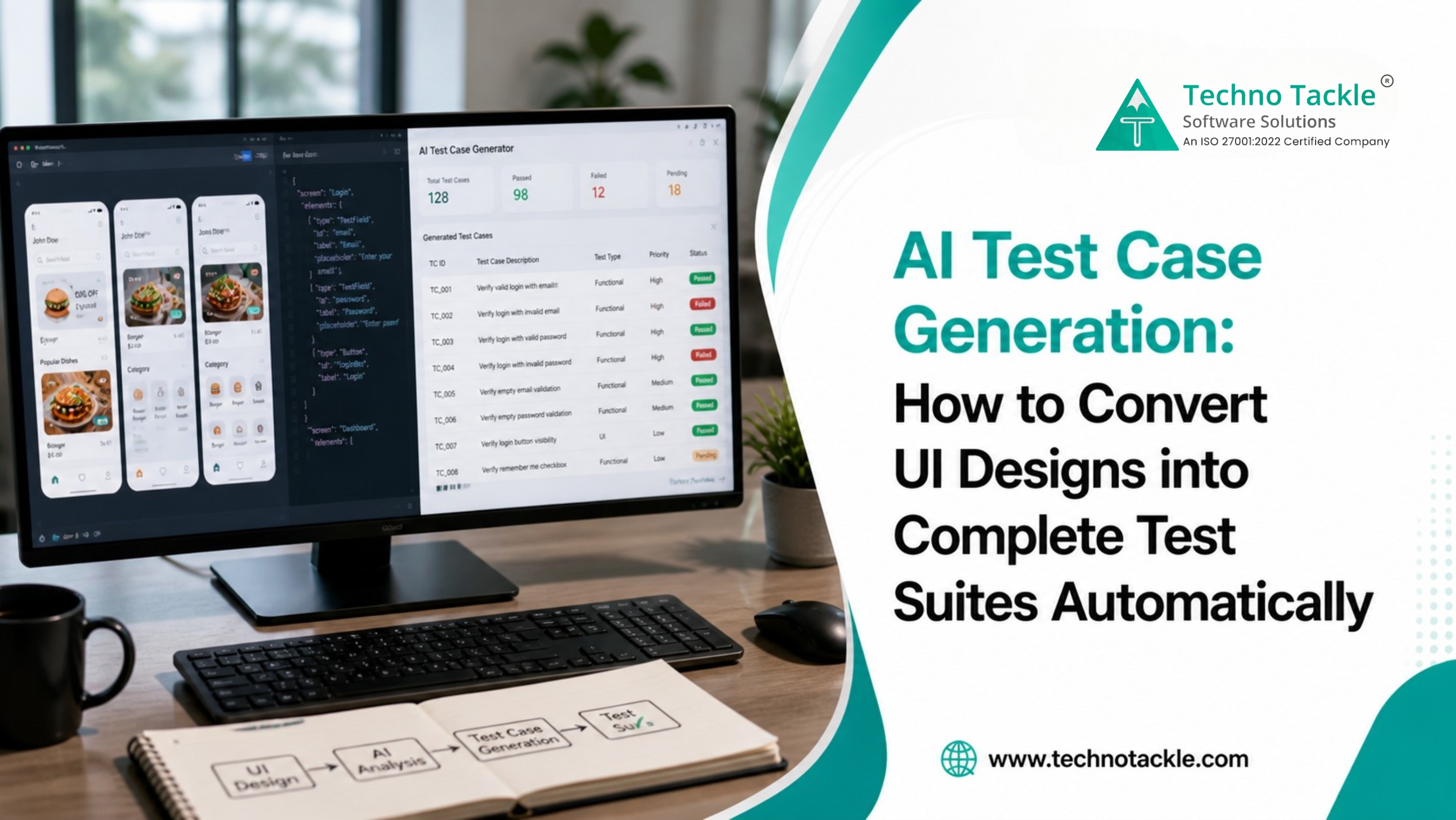
Most AI test case generation tools work from requirements documents or user stories. Techno Tackle's AI QA Agent takes this further , it reads directly from UI design files.
This matters for a specific reason: design handoff happens before development is complete. If you can generate test cases at design review rather than post-development, your QA team has a full sprint head start. Testing and development can run in parallel rather than sequentially.
Tools that generate tests from UI mockups and wireframes use visual AI to recognize UI components, interactive elements, and state diagrams , producing structured test documentation ready for execution before development even begins.
How Techno Tackle's AI QA Agent Works: Step by Step
Step 1 , Design Ingestion The AI QA Agent accepts UI design files including Figma exports, wireframes, and annotated mockups. It parses every screen, component, and interaction state in the design.
Step 2 , Component and Flow Mapping The agent identifies interactive elements: buttons, forms, dropdowns, navigation, modals, error states, and empty states. It maps how these elements connect across screens and constructs the logical user flows embedded in the design.
Step 3 , Test Scenario Generation This is where AI test case generation delivers the most value. The agent applies testing heuristics and best practices to each component and flow automatically , generating test cases across happy paths, negative inputs, boundary conditions, accessibility scenarios, error states, and permission-based access.
Step 4 , Structured Output Test cases are output in structured format with test case ID, description, preconditions, test steps, expected results, and priority level. The output integrates directly into Jira, TestRail, Azure DevOps, and Google Sheets.
Step 5 , Human Review and Refinement The AI QA Agent handles volume. Your QA engineers handle judgment. They review, adjust priority, add domain-specific context, and approve before tests enter the pipeline.
Techno Tackle's Generative AI Services page
AI Test Automation vs. AI Test Case Generation: What's the Difference?
Although AI Test Case Generation and AI Test Automation are closely related, they solve different problems in the software testing lifecycle. AI Test Case Generation focuses on the planning stage by automatically creating structured test cases from requirements, UI designs, user stories, or functional specifications. It eliminates the time-consuming process of writing test documentation manually while improving test coverage before development and testing begin. AI Test Automation, on the other hand, takes existing test cases and executes them automatically throughout the development lifecycle, particularly within CI/CD pipelines, reducing manual testing effort and accelerating software releases. The greatest value comes from using both together—AI first generates comprehensive, high-quality test cases, and then AI-powered automation executes those tests continuously to identify defects faster and improve software quality. By combining these capabilities, organizations can reduce testing time, increase accuracy, and deliver reliable applications with greater speed and efficiency.
AI in Software Testing: The Broader Shift
AI test case generation is one capability within a larger transformation in how software testing works.
Where AI in software testing is now standard:
-
Automated test generation from requirements, user stories, wireframes, and live URLs
-
Self-healing test automation where AI adapts test scripts when UI changes, rather than breaking
-
Defect prediction where machine learning flags high-risk code paths before testing begins
-
Visual regression testing where AI detects unintended UI changes across browser and device combinations
-
Test coverage analysis where AI identifies gaps in existing test suites
The shift from traditional automation to AI-driven, self-learning test systems isn't just an upgrade , machine learning algorithms now predict defects before they occur, natural language processing writes test cases from plain English requirements, and computer vision validates UI changes across thousands of screen combinations in seconds.
The teams that feel this shift most acutely are those building fast. Startups, scale-ups, and product teams running multiple sprints per month face the QA squeeze constantly. AI in software testing is not a luxury for these teams. It is a competitive requirement.
Techno Tackle's blog on offshore software development
Before and After: AI Test Case Generation in Numbers
Here's what the shift looks like in practice, based on how teams using the AI QA Agent operate:
Before , Manual Process:
-
Feature with 12 UI screens requiring 100+ test cases
-
2 QA engineers, 12 hours of writing time
-
Coverage gaps common, especially in edge cases and error states
-
Real testing starts on day 3 of the sprint
After , AI QA Agent:
-
Same 12-screen feature
-
AI QA Agent generates 110 test cases in under 30 minutes
-
QA engineers spend 2 hours reviewing and refining instead of writing
-
Edge cases and error states captured at generation time
-
Testing begins the same day designs are handed off
Time saved per feature: 10+ hours. Coverage improved. QA engineers redirected to higher-value work.
Across a full project lifecycle, organizations adopting AI test case generation tools typically see reductions in test creation time completing in minutes what previously took days, with maintenance costs decreasing through self-healing capabilities and expanded test coverage catching bugs earlier when they are cheapest to fix.
Best AI Test Case Generation Tools in 2026: How They Compare
The AI test case generation market has evolved rapidly, offering tools designed for different stages of the software development lifecycle. The right solution depends on the type of input your team has available and how you plan to integrate AI into your QA process. Requirements-based tools generate test cases from user stories, Jira tickets, and functional requirements, making them ideal for Agile teams with well-documented backlogs. UI design-based tools create comprehensive test cases directly from Figma designs, wireframes, and mockups, allowing QA activities to begin before development starts and helping teams identify gaps early in the product lifecycle. Live URL-based tools analyze running applications to generate tests from existing functionality, making them suitable for mature products but less useful during early development. Code-based solutions use source code and API specifications to generate highly technical test cases, supporting developer-driven quality assurance but requiring access to the codebase. Meanwhile, natural language AI tools allow users to generate test cases using plain English prompts, making AI-powered testing accessible to non-technical stakeholders. Each approach offers unique strengths and trade-offs, so organizations should choose a solution that aligns with their development workflow, project stage, and testing objectives rather than relying on a one-size-fits-all tool.
Where AI Test Case Generation Has the Biggest Impact
Rapid feature development , Teams releasing every 1–2 weeks need QA to keep pace with development. AI test case generation eliminates the handoff delay.
Complex UI applications , Products with many states, user roles, conditional flows, and responsive breakpoints generate combinatorial test scenarios that are impractical to write by hand.
Regression testing , When designs change, test suites need updating. AI regeneration from updated design files takes minutes rather than the days required to manually review and rewrite.
New product development , Building test suites from scratch is where manual QA is most painful. Starting with AI-generated coverage from design files creates a complete test baseline before development is finished.
Teams scaling QA without growing headcount , AI test case generation is how QA capacity scales with product complexity without proportional cost growth.
Common Questions About AI Test Case Generation
Does AI test case generation replace QA engineers? No. It removes the manual, repetitive work of writing test cases from scratch. QA engineers review, refine, and approve AI-generated output, then focus on higher-value testing activities like exploratory testing and quality strategy. AI in software testing augments your team , it doesn't replace it.
How accurate is AI-generated test case output? Leading platforms achieve 84% first-run test success from autonomously generated cases, with human review workflows catching and correcting the remaining scenarios before they enter the test pipeline. The output quality improves further when fine-tuned on your specific component library and design conventions.
What design formats does AI test case generation support? The most widely supported inputs include Figma exports, annotated wireframes, standard UI mockup formats, requirements documents, user stories, Jira tickets, and live application URLs. The right input type depends on where you are in the development cycle.
How long does it take to implement an AI QA agent? Typical implementation runs 2–4 weeks, including integration with your existing QA tools and workflow. Techno Tackle runs a parallel test during week 3 so your team sees real output before full cutover.
Can AI test case generation handle multi-role applications? Yes. Multi-role apps with different permission levels are where AI test generation provides the most coverage leverage. The agent maps role-based scenarios automatically as part of flow generation.
What is the difference between AI test automation and AI test case generation? AI test case generation creates the documentation , the written scenarios, steps, and expected results that define what needs to be tested. AI test automation executes those cases automatically in your CI/CD pipeline. The two capabilities are complementary and most effective when used together.