November 12, 2026
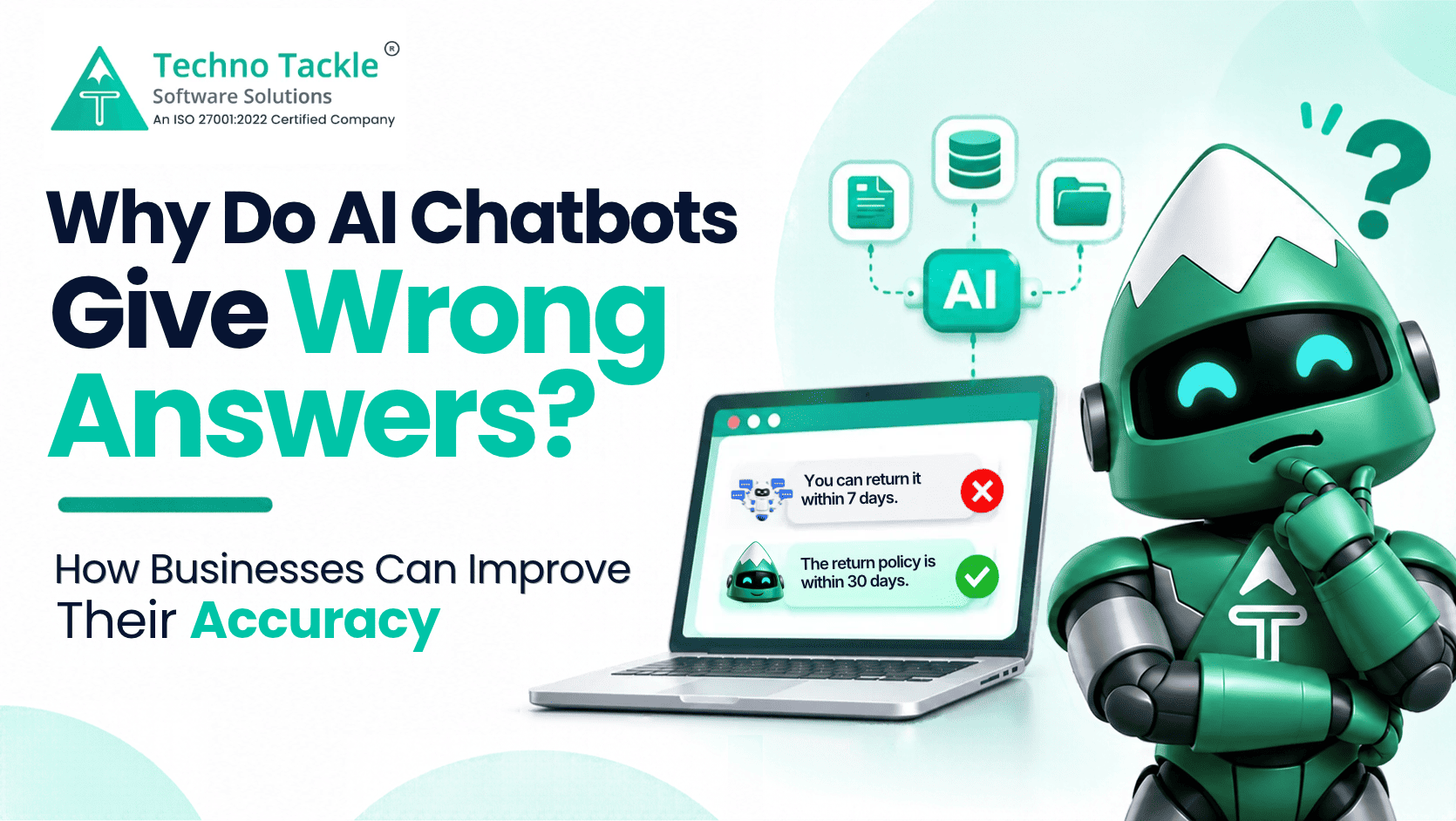
An AI chatbot can reply in seconds and still give a customer the wrong information. It might quote an outdated price, explain a return policy incorrectly, or provide details that your business never approved.
This usually happens because the chatbot lacks the right information, uses outdated content, or does not have clear instructions.
A reliable AI chatbot for customer service needs more than a powerful AI model. It needs accurate business information, clear rules, and regular testing.
This guide explains why chatbot errors happen and how businesses can reduce them.
Why Do AI Chatbots Give Wrong Answers?
Here are the main reasons.
1. Missing Business Information
A general AI model does not automatically know your company's products, prices, policies, or services. If a customer asks about your warranty period and the chatbot has no access to that information, it may generate a general answer that does not match your actual policy.
2. Outdated Information
If your prices, timings, or policies change but the chatbot's knowledge base is not updated, it may continue providing old details.
3. Lack of Context
Questions such as "Does this include installation?" depend on the product or service being discussed. Without the right conversation context, the chatbot may give a misleading answer.
4. Unclear Instructions
A chatbot needs rules about what it can and cannot answer. Without them, it may quote unconfirmed prices, promise delivery dates, or respond to questions outside its intended role.
5. Insufficient Testing
Testing only a few standard questions is not enough. Real customers use different wording, incomplete sentences, and follow-up questions. These variations can expose gaps that were missed before launch.
How to Improve AI Chatbot Accuracy: 6 Practical Steps
Improving chatbot accuracy requires a structured approach. These steps help businesses build more reliable customer support.
Step 1: Provide Approved Business Information
Give the chatbot access to the information it needs to answer customer questions.
This may include:
-
Product and service details
-
Price lists and brochures
-
FAQs and company policies
-
Shipping and return conditions
-
Business timings and locations
One approach is Retrieval-Augmented Generation (RAG). It retrieves relevant information from a knowledge base before the AI generates an answer.
This helps the chatbot respond using your business information instead of relying only on general knowledge. Learn more about RAG AI solutions.
Step 2: Keep Information Updated
Whenever business information changes, update the chatbot's knowledge base.
For example, if your delivery policy changes from five days to three, the old document should be replaced with the revised version.
Review your documents regularly and assign someone to manage updates. Otherwise, even a well-built chatbot can provide outdated answers.
Step 3: Set Clear Response Rules
Define what the chatbot is allowed to answer and where it must stop.
For example:
-
Do not quote prices unless they are available in the approved documents.
-
Do not promise unconfirmed delivery dates.
-
Do not provide medical or legal advice.
-
Do not invent information when an answer is unavailable.
These instructions help the chatbot stay within the boundaries set by your business.
Step 4: Handle Unanswered Questions Properly
A chatbot should not be forced to answer every question.
When information is missing, it should acknowledge the limitation instead of making an assumption.
Businesses should also record unanswered questions, review recurring queries, and add missing information to the knowledge base.
This creates a continuous improvement process based on actual customer enquiries.
Step 5: Test Different Customer Questions
Do not test only the exact wording found in your documents.
For example, if your policy says, "Delivery takes three to five working days," test questions such as:
-
When will my order arrive?
-
How long does shipping take?
-
Will I receive it this week?
Also test questions where the chatbot should not provide a definite answer.
This helps identify gaps before customers start using the chatbot. A structured AI agent testing process can help evaluate responses and identify failure scenarios.
Step 6: Review Conversations Regularly
After launch, review chatbot conversations to find incorrect answers, repeated unanswered questions, and confusing responses.
Use these findings to update documents, improve instructions, and test the chatbot again.
Accuracy is not a one-time setup task. It needs regular attention as your business changes.
What Should You Check Before Choosing an AI Chatbot?
Not every chatbot is designed to handle business-specific questions. Before choosing one, check whether it provides:
-
Knowledge base management: Can you add and update company documents?
-
Custom rules: Can you control what the chatbot should not answer?
-
Unanswered question tracking: Can you identify missing information?
-
Conversation review: Can you check how the chatbot responds?
-
Lead capture: Can it collect visitor details for follow-up?
If you are planning a custom solution, also evaluate the development team's experience with retrieval, testing, and AI application development. This guide to hiring generative AI developers explains what technical capabilities to look for.
Be careful with claims of perfect accuracy. No AI chatbot can guarantee that every response will be correct. Focus on how the provider manages information, testing, and unanswered questions.
Businesses still deciding which AI approach fits their requirements can also refer to this guide to choosing a generative AI consulting partner.
Bottom Line
AI chatbots give wrong answers when they lack accurate information, context, or clear instructions. Choosing a better AI model alone will not solve these problems.
Provide approved business information, set response rules, test different questions, and review unanswered queries regularly.
The goal is not to make a chatbot answer everything. It is to help it answer what it knows reliably and recognise when a customer needs further assistance.
If you are planning to introduce conversational AI for business, start with the questions your customers ask most often and make sure your chatbot has the right information to answer them.
Frequently Asked Questions
Why do AI chatbots hallucinate?
They may generate information that sounds correct when they lack relevant context, reliable data, or clear instructions.
Can RAG improve chatbot accuracy?
Yes. RAG retrieves relevant information from an approved knowledge base before generating a response. It can help businesses provide more relevant answers, but it does not guarantee perfect accuracy.
How often should a chatbot's information be updated?
Update it whenever relevant business details change, including prices, policies, product information, and service conditions.
Can an AI chatbot work without company documents?
It can answer general questions, but it may not have the information needed to respond reliably to business-specific enquiries.
Can AI chatbots replace customer support teams?
They can handle routine questions and collect enquiries, but complex or sensitive issues may still require human support. Businesses comparing text-based and phone-based support can explore voice AI agents vs chatbots vs IVR.