November 24, 2026
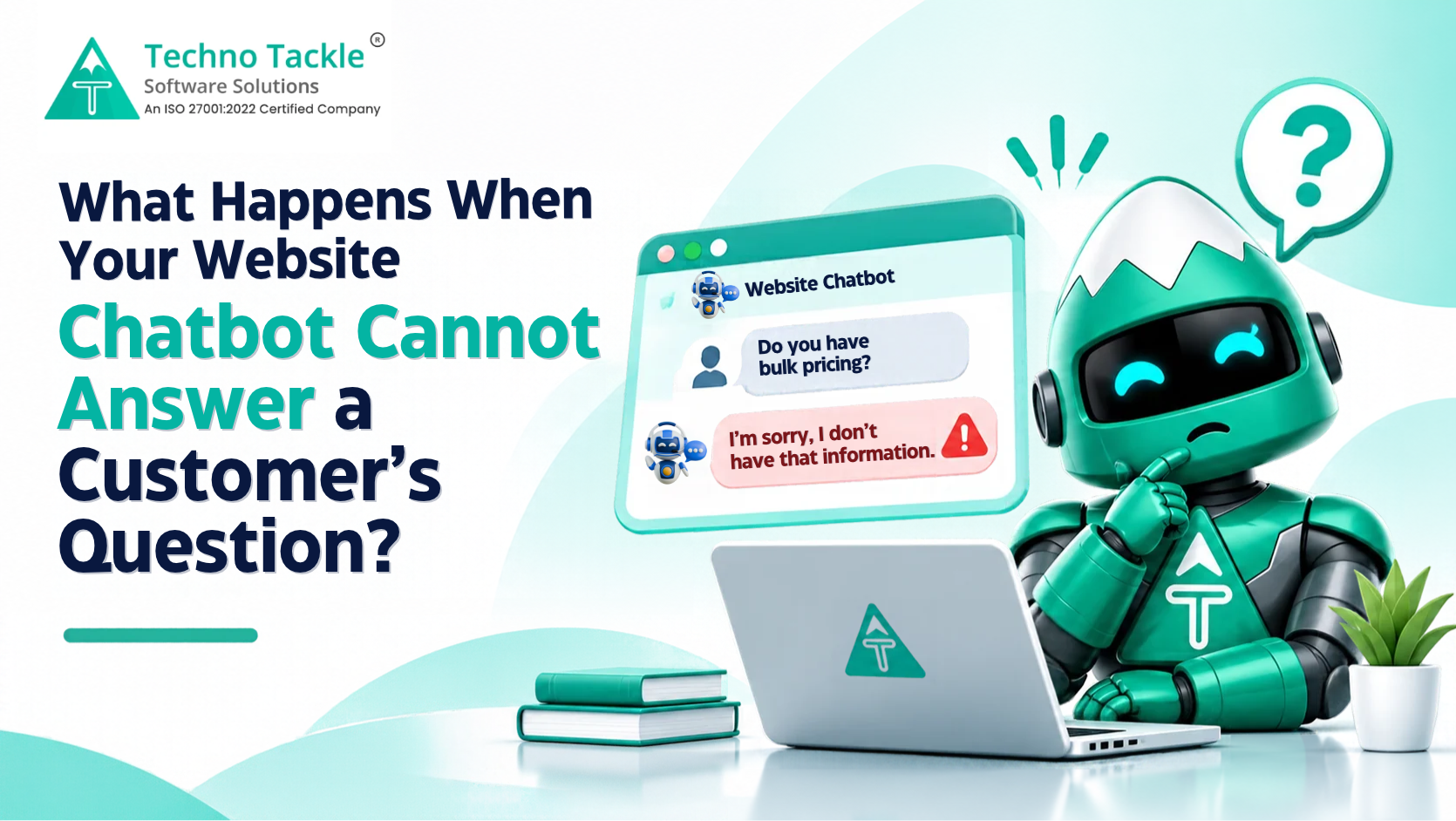
A customer visits your website, opens the chat window, and asks a question. But the chatbot does not have the information.
It might respond with a generic message, suggest contacting the business, or provide an incomplete answer. The customer is left without a clear solution.
This is an important moment for any business using a website chatbot.
A chatbot does not need to answer every question. However, it should know how to handle questions outside its knowledge. Otherwise, businesses risk losing customer trust and potential enquiries.
Why Does a Website Chatbot Fail to Answer?
There are several reasons why a chatbot may not have the right answer.
1. Missing Information
A customer may ask about a product feature, service, delivery condition, or policy that has not been added to the chatbot's knowledge base.
For example, an online store may have uploaded product descriptions but not installation charges. The chatbot cannot provide an accurate answer without that information.
2. Unusual Customer Questions
Customers do not always ask questions in predictable ways. They may combine multiple queries, use different wording, or ask about situations that were not covered during chatbot testing.
3. Outdated Information
Prices, product details, policies, and service availability can change. If the chatbot uses outdated documents, it may provide information that is no longer correct.
4. Questions Requiring Human Judgement
Complaints, special requests, and unusual situations may require approval or assistance from a team member. These should not be handled through unsupported automated responses.
What Should Happen When a Chatbot Cannot Answer?
A chatbot should have a clear process for handling questions it cannot answer.
1. Acknowledge the Limitation
It should not invent an answer just to keep the conversation going.
For example:
Customer: Do you offer installation services?
Chatbot: I don't have confirmed information about installation services at the moment. Please contact our team so they can assist you.
2. Guide the Customer
The chatbot should provide a useful next step, such as directing the visitor to a contact form or asking them to leave their details for follow-up.
Businesses exploring different customer communication options can also read our comparison of voice AI agents, chatbots, and IVR systems.
3. Record Unanswered Questions
Businesses should be able to review questions the chatbot could not answer. Repeated questions can reveal missing information that needs to be added to the knowledge base.
4. Involve Human Support
Questions involving complaints, technical issues, or special approvals may require a team member. A good chatbot customer support process should make this next step clear.
How Businesses Can Manage Unanswered Chatbot Questions
Handling an unanswered question is only the beginning. Businesses also need a process to prevent the same information gaps from recurring.
1. Build a Complete Knowledge Base
Include the information customers commonly request, such as:
-
Product and service details
-
Pricing and available packages
-
Shipping and return policies
-
Booking and appointment procedures
-
Business timings and locations
-
Payment terms and FAQs
The information should be accurate, approved, and relevant to customer enquiries.
For businesses that need AI to retrieve information from their own documents before responding, RAG AI solutions offer an approach to connecting AI systems with internal knowledge sources.
2. Review Unanswered Questions Regularly
Do not leave unanswered questions without action. Review them to identify recurring patterns and missing information.
A simple process includes:
-
Collect unanswered questions.
-
Group similar questions.
-
Identify missing or unclear information.
-
Get the correct answers approved.
-
Add them to the relevant documents.
-
Update and test the knowledge base.
This also helps businesses understand what customers actually want to know.
3. Keep Information Updated
Whenever prices, products, services, or policies change, update the chatbot's knowledge base.
A practical maintenance process is to revise the relevant document, upload the updated version, rebuild the knowledge base where required, and test related questions.
This prevents customers from receiving outdated information.
4. Set Clear Response Rules
Businesses should define what the chatbot can and cannot say.
Examples include:
-
Do not quote prices unless they are available in approved information.
-
Do not promise unauthorised discounts.
-
Do not provide medical advice.
-
Do not make commitments on behalf of the business.
-
Direct customers to the team when human assistance is required.
These rules help keep responses within the boundaries set by the business.
5. Test With Real Customer Questions
Testing should include more than basic FAQs. Check how the chatbot handles:
-
Common questions about business hours and services.
-
Reworded questions.
-
Policy-related enquiries.
-
Questions about information that is not available.
-
Restricted requests.
-
Follow-up questions.
Compare its responses with approved business information. Testing should continue whenever the knowledge base or chatbot configuration changes.
How Unanswered Questions Improve Customer Support
An unanswered question can reveal an opportunity to improve the business's information.
Consider an online store that repeatedly receives questions about delivery charges. The chatbot cannot find the information in its documents, so the business reviews its unanswered questions and identifies the missing details.
The team adds the approved delivery information, updates the knowledge base, and tests the chatbot again.
Future visitors can now receive the required answer.
The same process can help identify missing product details, unclear service descriptions, misunderstood policies, and topics that should be added to website FAQs.
For more insights into chatbot response problems and how to address them, read Why AI Chatbots Give Wrong Answers and How to Improve Their Accuracy.
How TT Chatbot Helps Businesses Manage Unanswered Questions
TT Chatbot, developed by Techno Tackle Software Solutions, answers website visitors using documents uploaded through its admin panel.
Businesses can provide product guides, policies, price lists, brochures, FAQs, timings, and other relevant information. The chatbot uses these documents as its information source rather than searching the internet.
When it cannot find the required information, TT Chatbot provides a polite general response and saves the question in its Unanswered Questions list. The team can review these questions, add approved information to the relevant documents, and rebuild the knowledge base.
It also supports:
-
Custom response rules: Set restrictions, such as not quoting prices or providing medical advice.
-
Lead capture: Visitor contact details are saved in the admin panel's Leads List and emailed to the business team.
-
Knowledge updates: Upload revised documents and rebuild the knowledge base when business information changes.
The setup process is straightforward:
-
The business shares its relevant documents.
-
The Techno Tackle team loads the information into the knowledge base.
-
The website chat widget and response rules are configured.
-
The team checks the responses before launch.
-
Visitors start asking questions and can submit their contact details.
-
The business reviews unanswered questions and updates documents when required.
This approach helps businesses manage website conversations using their own information while keeping their team involved when questions need attention.
The Bottom Line
A website chatbot will not always have the answer to every customer question. What matters is how it handles those situations.
It should acknowledge missing information, guide customers towards the next step, record unanswered questions, and help businesses identify gaps in their knowledge base.
The goal is not to make a chatbot answer everything. It is to ensure every customer gets a clear next step, even when the chatbot cannot provide the answer itself.
Frequently Asked Questions
What happens when a website chatbot cannot answer a question?
It should acknowledge that the information is unavailable, avoid making assumptions, and guide the visitor towards the appropriate contact channel or support team.
Why can't a chatbot answer some customer questions?
The required information may be missing, outdated, or outside the chatbot's configured knowledge. Some questions may also require human judgement.
How can businesses reduce unanswered chatbot questions?
Maintain an updated knowledge base, add relevant product and service information, review unanswered questions, and test the chatbot regularly.
Should a chatbot guess when information is missing?
No. It should acknowledge the limitation rather than provide unsupported information or make promises on behalf of the business.
Can businesses track unanswered chatbot questions?
Some chatbot solutions provide an unanswered-question tracking feature. This allows businesses to identify information gaps and improve their knowledge base.
How does TT Chatbot handle unanswered questions?
TT Chatbot provides a polite general response and saves the question in its Unanswered Questions list. Businesses can review these questions and update their uploaded documents.
Can a website chatbot collect customer details?
Yes, depending on its capabilities. TT Chatbot supports visitor contact-detail collection through its Leads List, and the submitted details are also emailed to the business team.